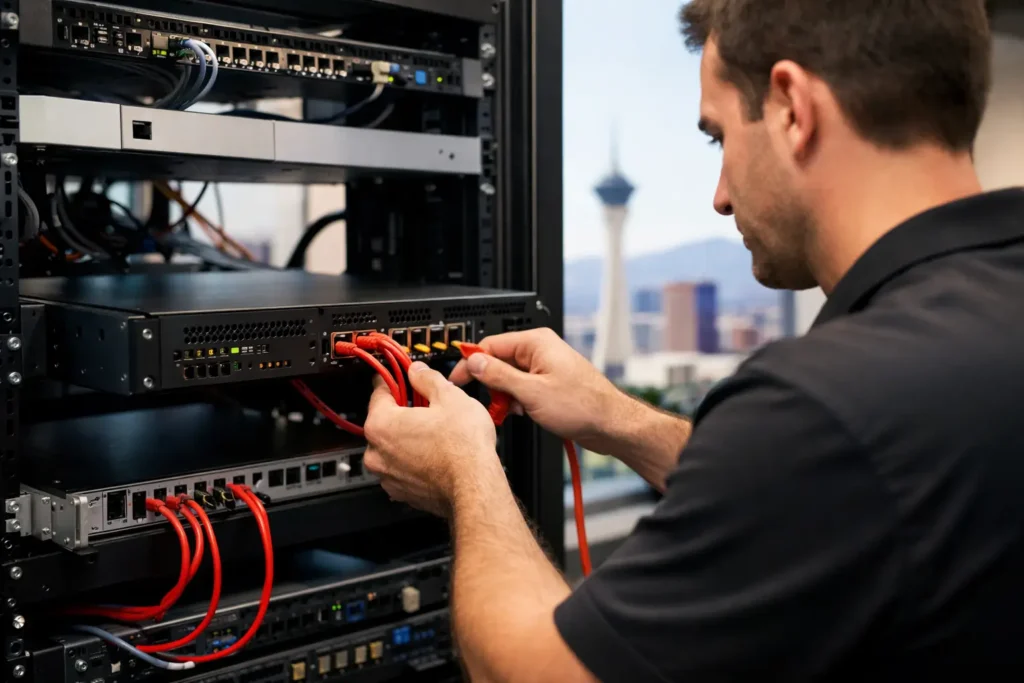
A firewall should do more than sit quietly in a network closet with a few default settings. For a Las Vegas company, business firewall installation Las Vegas planning should create a practical control point between the internet and the systems that run payroll, customer records, point-of-sale terminals, remote access, and daily communication. Done well, it reduces the chance that one bad click or exposed service becomes a costly interruption.
The equipment matters, but installation is not a box-and-cables job. The real work is understanding how your staff works, what data needs protection, which devices require access, and what must keep running when a threat or outage occurs. That is where a security-first approach separates a business firewall from a basic internet router.
What a Business Firewall Is Actually Meant to Do
A business-grade firewall reviews traffic moving into and out of your network. It applies rules that determine what is allowed, what should be blocked, and what needs closer inspection. Modern firewalls can also identify suspicious applications, stop known malicious connections, filter unsafe websites, and support secure remote access for approved users.
That does not mean every company needs the most expensive appliance available. A five-person law office, a retail shop with payment systems, and a warehouse with cameras and multiple workstations have different traffic patterns and risks. The right firewall is sized for the number of users, devices, internet connections, expected growth, and security requirements.
A common mistake is assuming a firewall alone prevents ransomware. It is one critical layer, not the entire plan. Ransomware protection also depends on managed endpoints, strong identity controls, employee awareness, reliable backups, patching, and a documented response process. When those pieces work together, an attacker has fewer paths into the business and less opportunity to cause damage.
Business Firewall Installation in Las Vegas Starts With Discovery
Before choosing hardware or moving a single cable, an IT provider should map the environment. That includes the internet service, existing router and switches, Wi-Fi access points, workstations, servers, cloud applications, printers, cameras, phones, and any specialized equipment. An incomplete picture leads to surprise outages during installation or security gaps afterward.
Discovery also identifies business-critical workflows. A medical office may need secure access to practice-management software. A law firm may need protected document access for attorneys working remotely. A retail location may need payment terminals isolated from guest Wi-Fi. A multi-site business may need a secure connection between offices without exposing internal systems to the public internet.
This is also the right time to ask uncomfortable but necessary questions. Are employees using personal devices for work? Is remote desktop exposed directly to the internet? Do former employees still have accounts? Is the office Wi-Fi password shared with visitors? Are backups tested, or merely assumed to exist? The answers shape the firewall configuration and often reveal issues that deserve attention immediately.
The Configuration Matters More Than the Appliance
A firewall can be powerful and still be ineffective if it is configured with broad, unnecessary permissions. In most cases, the safest approach is to permit only the traffic the business actually needs. That takes planning, testing, and clear documentation.
Network segmentation is one of the most useful steps. Instead of putting every device on the same network, a properly designed setup can separate employee computers, guest Wi-Fi, payment equipment, cameras, servers, and other internet-connected devices. If a guest device becomes infected or a camera has a vulnerability, segmentation helps prevent that problem from reaching sensitive business systems.
Remote access deserves the same care. Employees may need to reach files, applications, or office systems from home, hotel rooms, or client sites. A secure virtual private network, multi-factor authentication, and access limited to the right people are generally safer than opening remote desktop services to the internet. Convenience has value, but unrestricted remote access is a high-risk trade-off.
Content filtering and intrusion prevention can add meaningful protection as well. These services can block known malicious sites, identify suspicious activity, and prevent certain attack patterns before they reach a workstation. They need tuning, however. Settings that are too aggressive may interfere with legitimate cloud software or vendor portals. Settings that are too permissive can leave the company exposed. The goal is protection that supports work rather than constantly disrupting it.
Avoiding Downtime During Firewall Replacement
Replacing an old firewall can cause an outage if it is rushed. Even a small office may have hidden dependencies: a phone system, door access controller, printer scanning service, cloud backup agent, or vendor-managed device that relies on a specific connection. A careful installation accounts for these dependencies before cutover.
A sound process usually includes documenting the existing configuration, preparing the new firewall before the change window, backing up current settings, testing internet connectivity, and confirming access to critical applications after installation. If the business has multiple internet connections, failover should be tested rather than assumed. If the office depends on remote workers, secure remote access should be verified from outside the network.
The best time for the final transition depends on the organization. A retail business may prefer a quiet weekday morning before opening. A professional office may choose an evening or weekend. For operations that cannot tolerate interruption, the provider may need a staged approach and a clear rollback plan. There is no universal maintenance window, but there should always be a plan for what happens if something does not work as expected.
Monitoring Keeps a Firewall From Becoming Forgotten Hardware
Many organizations install a firewall and do not revisit it until internet performance drops or a security incident occurs. That leaves too much to chance. Threat intelligence changes, firmware updates address newly discovered vulnerabilities, staff roles change, and old rules accumulate over time.
Ongoing management should include firmware updates, configuration backups, review of security alerts, and regular checks for unused rules or exposed services. Logs can reveal repeated failed login attempts, unusual outbound traffic, blocked malware connections, or devices behaving in ways that deserve investigation. For businesses with higher risk or compliance obligations, 24/7 security monitoring and a defined escalation process provide a stronger safety net.
Not every alert means an active breach. Firewalls generate noise, and a provider must know how to distinguish a routine blocked connection from an event that requires immediate action. That is why monitoring without human review has limits. A meaningful security service combines automated detection with people who can investigate, communicate clearly, and act when a genuine threat appears.
Questions to Ask Before You Approve an Installation
A good provider should be able to explain the plan in business terms, not just name a hardware model. Ask how the firewall will protect remote work, guest Wi-Fi, cloud applications, and devices that handle sensitive information. Ask what is included after installation, who owns the equipment and licenses, and how quickly support is available if internet access or a security control fails.
You should also ask whether the configuration will be documented and whether your business will receive a clear network map. Documentation matters when you add a location, change internet providers, bring on another IT partner, or need to recover after an emergency. It is part of keeping technology predictable instead of mysterious.
Four questions are especially worth getting answered in writing:
- What traffic, devices, and services will be segmented or restricted?
- How will remote access be secured and managed when employees leave?
- Who monitors alerts, applies updates, and responds after hours?
- What is the outage plan if the firewall, internet connection, or configuration fails?
Clear answers help avoid the familiar pattern of low upfront cost followed by unexpected licensing fees, unsupported hardware, and no one available when the office is offline.
A Firewall Should Support the Business, Not Slow It Down
The right firewall installation protects more than internet access. It helps protect revenue, client trust, employee productivity, and the ability to keep operating when threats appear. It should also leave room for growth, whether that means adding remote employees, a second location, more cloud software, or new devices on the network.
For local organizations that need one trusted partner for all things tech, System Integrators of Nevada can assess the existing network, identify practical risks, and build a security plan that fits the way the business operates. The most useful next step is not buying the first appliance on a shelf. It is getting a clear view of what your network needs to protect and making sure someone accountable is watching it.