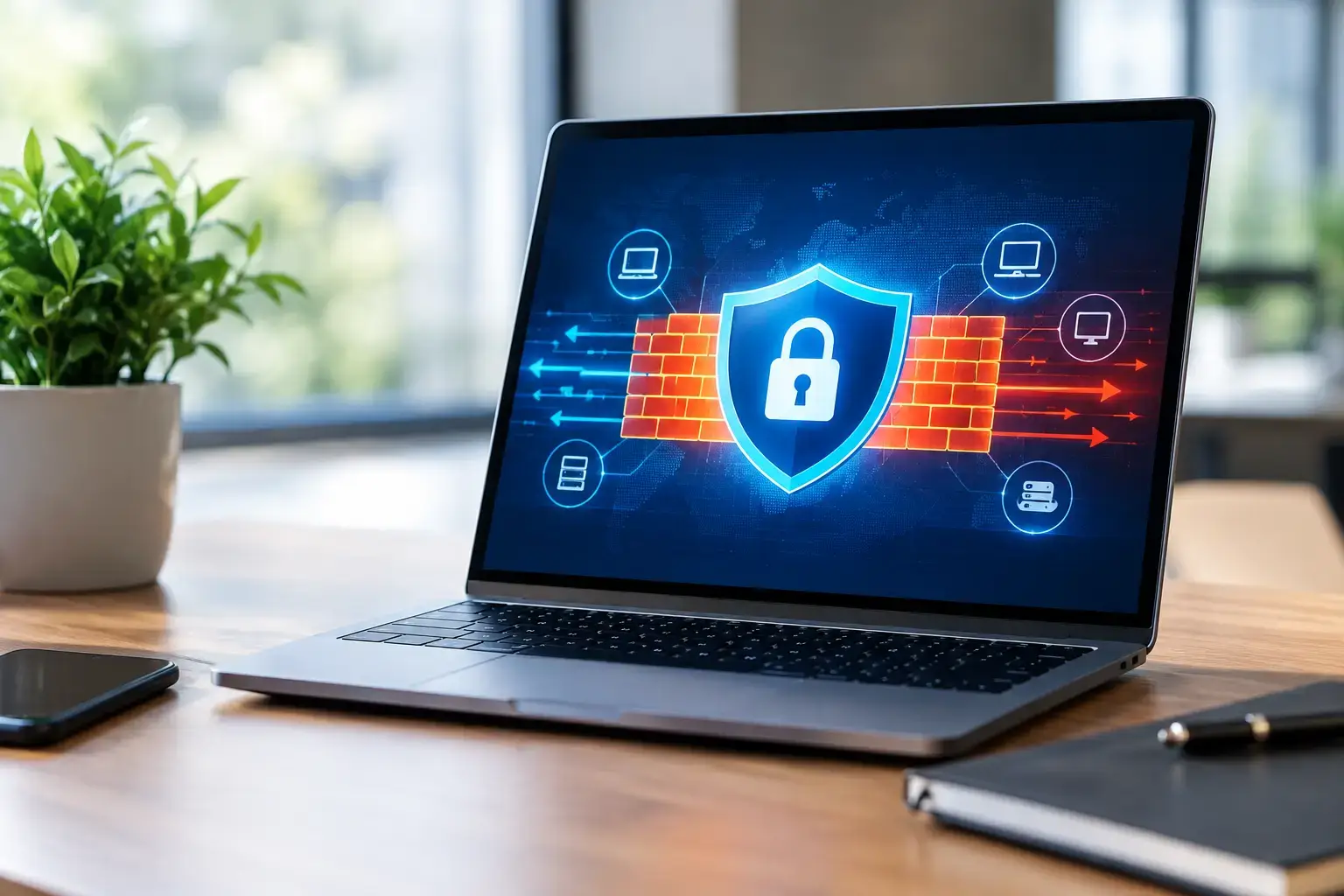
A firewall should do more than block a few suspicious websites. For a business, it should help prevent a bad click, a compromised password, or an infected device from turning into downtime, lost data, and a difficult client conversation. The best business firewall features give owners and operations leaders visibility and control without requiring them to become security specialists.
That distinction matters. A basic router firewall may provide some protection, but it usually cannot identify modern threats, enforce meaningful access rules, or give your IT team the information needed to respond quickly. A business-grade firewall is part of a larger security program: it protects the network edge, separates sensitive systems, monitors traffic, and supports recovery when an incident occurs.
Best Business Firewall Features for Real Operations
The right feature set depends on your environment. A law office handling confidential case files has different priorities than a retail store with payment terminals, and a warehouse with scanners and cameras has different traffic patterns than a home office. Still, several capabilities should be on the checklist for nearly every small or growing business.
Application-aware traffic control
Traditional firewalls rely heavily on port numbers and IP addresses. That approach is no longer enough because legitimate services can be used to hide malicious traffic. Application-aware control identifies the type of traffic moving through the network, not just where it appears to be going.
This lets a business allow approved cloud applications while restricting risky file-sharing services, anonymous proxy tools, unauthorized remote access software, or applications that consume bandwidth during business hours. It also makes policies more practical. Instead of blocking an entire website category and disrupting useful work, your security policy can apply limits that match the job at hand.
Intrusion prevention that can stop known attacks
An intrusion prevention system, often called IPS, watches traffic for patterns associated with exploits, malware delivery, command-and-control activity, and attempts to probe a network for weaknesses. Detection alone is not enough. The firewall should be able to block or contain suspicious activity based on well-managed security policies.
IPS needs attention after deployment. If it is configured too aggressively, it can interfere with legitimate software or cloud services. If it is left in monitoring mode forever, it may generate alerts without preventing anything. A managed approach includes tuning the policies, reviewing events, and confirming that updates are applied as new threats emerge.
Advanced malware and ransomware protection
Ransomware often arrives through phishing, malicious downloads, compromised websites, or an infected device that connects to the office network. A business firewall cannot replace endpoint protection, employee training, backups, or response planning. It can, however, stop many common paths of infection before they reach a workstation.
Look for security services that inspect files and web activity for malicious behavior, block known dangerous destinations, and use current threat intelligence. When possible, sandboxing can add another layer by analyzing suspicious files in a controlled environment before they are allowed into the network. This may introduce a small delay for certain downloads, but that is generally a sensible trade-off for organizations handling sensitive records or critical operations.
Web and DNS filtering
Web filtering reduces exposure to phishing pages, malware-hosting sites, fraudulent login pages, and inappropriate content. DNS filtering adds protection earlier in the connection process by preventing devices from reaching known malicious or risky domains.
These controls are especially useful because many attacks start with a routine-looking message. An employee may receive an invoice, shipping notice, or password-reset request that appears legitimate. Good filtering will not catch every threat, so staff still need practical phishing awareness training. But adding a network-level block gives the business another chance to prevent a costly mistake.
VPN access with multifactor authentication
Remote access should be treated as a business service, not an informal workaround. If employees, vendors, or managers need to reach internal files or systems from outside the office, the firewall should support encrypted virtual private network access with multifactor authentication.
A password alone is too easy to steal, reuse, or guess. Multifactor authentication requires an additional verification step, such as an authenticator app or security key. Access should also follow the principle of least privilege: users get access to the systems they need, rather than unrestricted access to the full network.
For some businesses, a VPN is necessary. For others, secure cloud applications and managed remote desktop tools may be a better fit. The goal is the same: remote employees can work productively without exposing internal systems to the public internet.
Network segmentation and VLAN support
Not every device should be on the same network. A guest phone, a payment terminal, a security camera, a staff computer, and a server do not carry the same level of risk or need the same access.
Network segmentation separates these devices into controlled zones, often using virtual LANs, or VLANs. The firewall then governs what traffic can move between them. If a guest device is compromised, segmentation can help prevent it from reaching accounting systems. If an internet-connected camera has a security issue, it should not have a direct route to confidential client records.
This feature is particularly valuable for retail businesses, medical and legal offices, multi-site organizations, and companies with a mix of employee devices, operational equipment, and visitor Wi-Fi. Segmentation requires planning, though. An overly restrictive design can interrupt printing, point-of-sale systems, or specialized equipment. A proper assessment maps how the business actually works before rules are enforced.
Secure Wi-Fi and guest network controls
Wi-Fi is often the easiest path into a network and the most overlooked. Business firewall features should work with secure wireless access points to separate employee, guest, and device networks. Guest users should be able to access the internet without seeing internal printers, shared folders, point-of-sale equipment, or other business systems.
Modern encryption, strong authentication, and routine firmware updates are essential. So is removing old Wi-Fi names, unused access points, and passwords shared with former employees or vendors. For organizations with staff turnover, a centrally managed wireless environment is far safer than changing a single shared password only when someone remembers.
Central logging, alerting, and reporting
When a security incident happens, the question is rarely just whether it was blocked. Leaders need to know what happened, which device was involved, what data may have been exposed, and whether the threat is still active. Central logging gives an IT provider or internal team the evidence needed to investigate.
Useful reports also help with day-to-day management. They can show repeated blocked threats, unusual outbound traffic, new devices on the network, bandwidth problems, and policy violations. For businesses subject to HIPAA, PCI requirements, client security questionnaires, or insurance reviews, documented controls and event records can also support compliance readiness.
Logs are only valuable when someone reviews meaningful alerts. A firewall that produces hundreds of notices a day without response creates noise, not protection. Twenty-four-hour monitoring and a documented escalation process are worth considering for organizations where downtime, sensitive data exposure, or missed alerts would have a serious impact.
Features That Matter Beyond the Firewall
A firewall is not a standalone answer to cybersecurity. The strongest results come when firewall protection works alongside managed endpoints, patching, tested backups, email security, multifactor authentication, employee training, and an incident response plan.
For example, the firewall may prevent a workstation from communicating with a ransomware server. Endpoint protection may detect the suspicious process on the computer. Segmentation may limit its ability to spread. Backups may allow recovery if files are encrypted anyway. Each layer reduces the chance that one failure becomes a business interruption.
This is also why price alone can be misleading. A low-cost appliance without security subscriptions, updates, monitoring, configuration, and support may leave gaps that are not obvious until a problem occurs. On the other hand, a large enterprise platform can be excessive for a five-person office with straightforward needs. The best fit is a solution sized for your users, applications, locations, risk level, and growth plans.
Questions to Ask Before You Buy
Before choosing a firewall, ask how many users and devices it must support now and over the next few years. Identify critical systems such as cloud software, phone systems, payment processing, remote access, cameras, and line-of-business applications. Then ask who will maintain policies, review alerts, test failover internet connections, and respond after hours.
Also confirm what is included after installation. Security subscriptions, firmware updates, replacement coverage, configuration backups, monitoring, and incident support may be separate costs. Clear answers create predictable expenses and fewer surprises during an outage.
For Las Vegas businesses that need one trusted partner for daily IT support and network security, System Integrators of Nevada can evaluate the network, identify practical gaps, and build protection around how your team works. A good firewall should fade into the background on normal days while giving you clear, capable support when a threat or outage demands attention.