
A server failure at 10:00 a.m. can stop billing, order processing, casework, patient scheduling, and every other task your team considers routine. The real question is not whether you have copies of your data. It is how to choose between cloud and physical backup solutions in a way that lets your business recover when the pressure is on.
For most Las Vegas businesses, the answer is not an all-or-nothing choice. Cloud and physical backups solve different recovery problems. A cloud backup protects against a local disaster, theft, fire, and ransomware that reaches the office. A physical backup can restore large amounts of data quickly when internet bandwidth is limited. The right plan starts with the systems your business cannot afford to lose and the time you can realistically tolerate being without them.
Start With Recovery, Not Storage Capacity
Backup decisions often begin with a simple question: “How much data do we have?” Storage size matters, but it does not determine whether you can operate after an incident. Begin with two business continuity targets instead.
Your recovery point objective, or RPO, is the maximum amount of recent work you can afford to lose. If losing a full day of accounting entries, customer records, or point-of-sale activity would create a serious problem, a once-daily backup may not be enough. You may need backups every few hours, or more frequent protection for your most critical systems.
Your recovery time objective, or RTO, is how long a system can be unavailable before the disruption becomes unacceptable. A small archive of documents may be able to wait a day. A shared file server, line-of-business application, or retail POS system may need to return much faster. These targets help separate what needs rapid recovery from what simply needs long-term retention.
Classify your data before comparing products. Financial records, client files, operational databases, email, employee information, and cloud application data deserve specific attention. Do not assume that a cloud service automatically backs up everything stored or created within it. Many platforms provide availability, but the responsibility for retention and recovery can still belong to your business.
How to Choose Between Cloud and Physical Backup Solutions
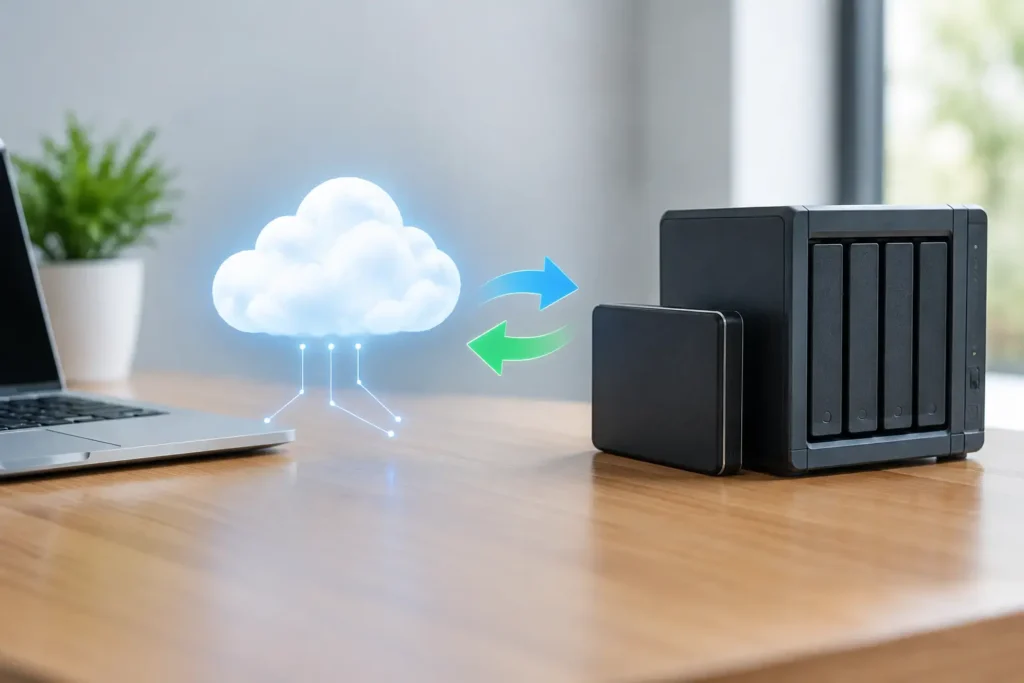
Cloud backup sends encrypted copies of data to an offsite data center through your internet connection. Physical backup stores copies on equipment you control, such as a network-attached storage device, encrypted external drive, or dedicated backup appliance. Each can be reliable when properly configured, monitored, and tested. Each can also create a false sense of security when it is treated as a set-it-and-forget-it task.
Cloud backup is usually the stronger choice for offsite protection. If your office experiences a flood, fire, theft, power event, or ransomware attack that affects multiple local devices, a separate copy outside the building gives you a path back. It also makes sense for home offices, distributed teams, and multi-site companies that need centralized oversight without moving drives between locations.
The trade-off is recovery speed. Uploading backup data is often manageable because it happens continuously or overnight. Restoring several terabytes through a standard business internet connection can take much longer. Ask potential providers how long a full restore would take, whether they can prioritize critical systems first, and whether they offer a way to ship encrypted recovery media when a large restoration is needed.
Physical backup can be faster for local recovery. When a server fails but the building and network are intact, a nearby backup appliance may allow your IT team to restore files, virtual machines, or system images without waiting for a large download. This can be especially useful for businesses with large design files, surveillance data, warehouse records, or databases that change constantly.
The risk is that local hardware shares the same physical environment as the systems it protects. A backup drive connected permanently to a network may be vulnerable to ransomware, electrical damage, theft, or an administrator error. One external drive in a desk drawer is not a business continuity plan. Physical backups need encryption, access controls, rotation or replication, and a second protected copy elsewhere.
For many organizations, a hybrid approach is the practical answer: retain a local copy for fast restoration and maintain an encrypted, isolated offsite copy for disaster recovery. This aligns with the widely used 3-2-1 principle: keep at least three copies of data, on two different forms of storage, with one copy offsite. For ransomware resilience, an immutable or otherwise protected copy that cannot be changed by a compromised user account adds another layer of protection.
Compare the Risks That Actually Affect Your Business
A backup plan should address the incidents you are most likely to face, not just the worst headline-making disaster. Ransomware is a major concern because it can encrypt production data and any reachable backups. Phishing, stolen credentials, unpatched devices, and overly broad administrator permissions often create the opening.
Look for backup systems that separate backup credentials from everyday employee accounts, use multifactor authentication, encrypt data in transit and at rest, and retain versions long enough to recover files from before an attack. Versioning matters because corruption is not always discovered immediately. If your backups keep only the latest copy, they may preserve the damaged data along with the good data.
Compliance and client obligations can also affect the choice. Law firms, healthcare-related organizations, financial services teams, and businesses handling payment or personal information may need documented retention policies, encryption standards, access logs, and tested incident procedures. The best option is not necessarily the one with the largest storage allowance. It is the one that supports the controls your contracts, insurers, regulators, and clients expect.
Physical security deserves equal consideration. If an office closes for a weekend and a backup drive leaves with the same laptop that contains the working files, both copies may disappear together. If you use removable media, establish a written rotation process, store media in a secure location, and verify that the person responsible is actually completing it. Human processes fail quietly unless someone checks them.
Account for Cost Beyond the Monthly Fee
Cloud backup generally uses a predictable subscription model based on storage, devices, users, servers, or recovery features. It reduces hardware purchases and makes offsite storage easier, but you should ask about retention limits, overage charges, restoration fees, and costs to recover a very large data set.
Physical backup requires hardware, replacement planning, electricity, maintenance, and someone to manage it. A lower upfront price can become expensive if the device fails unnoticed, fills up, is never tested, or requires emergency work during an outage. The relevant cost is not the drive or subscription. It is the cost of downtime, missed revenue, overtime, reputation damage, and possible breach notification when recovery does not work.
A growing business should also consider how the solution will scale. Adding a few employees, a new office, more cloud applications, or a larger server should not require redesigning the entire backup process. Choose a plan that can grow without creating a patchwork of unmanaged drives and separate logins.
Test the Restore Before You Need It
A successful backup job only proves that data was copied. It does not prove that files are readable, applications will start, permissions will be intact, or the restore will meet your recovery time target. Regular restoration testing is the difference between having backups and having recoverability.
Test at two levels. First, restore a small selection of files regularly, including files from different departments and older versions. Then periodically test a broader recovery of a server, virtual machine, database, or key application in a safe environment. Record how long it took, what failed, and what information or access was missing.
This process often reveals overlooked dependencies. Your accounting server may restore, but users may still need network shares, license keys, VPN access, printer settings, or a working internet connection. A clear recovery checklist assigns responsibility before an emergency turns into a series of rushed decisions.
Questions to Ask Before You Commit
Before selecting a cloud service, backup appliance, or managed backup plan, get direct answers to these operational questions:
- How often are critical systems backed up, and how long are versions retained?
- Is there an encrypted offsite copy that is protected from ransomware and accidental deletion?
- How quickly can we restore one file, one workstation, a server, and our full environment?
- Who receives backup failure alerts, and who is responsible for resolving them?
- How often will restores be tested and documented?
- What happens if internet service is unavailable, the office is inaccessible, or the backup hardware fails?
If a provider cannot explain recovery in plain language, the plan is probably not ready for a real incident. You should know what is protected, what is excluded, and who will take action when an alert appears at night or over a holiday weekend.
The most dependable backup strategy is one your business can afford, understand, monitor, and test consistently. For many small and growing organizations, that means combining a fast local recovery option with secure offsite cloud protection and having one trusted partner accountable for the entire process. System Integrators of Nevada can help translate your downtime tolerance, security requirements, and budget into a plan that protects the work your business depends on.

