
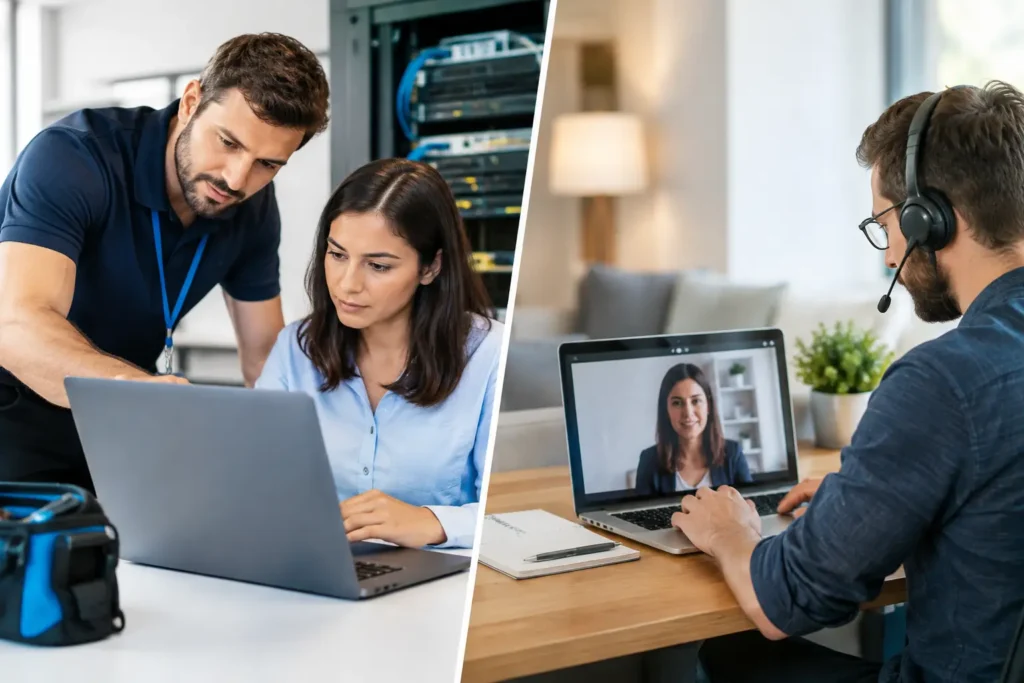
A point-of-sale terminal freezes during a lunch rush. A new employee cannot connect to the secure Wi-Fi. A laptop displays a suspicious login prompt. In each case, the question is not simply who can fix it. It is whether onsite versus remote IT support will restore operations fastest while protecting your data.
For most small businesses, the best answer is not choosing one method forever. Remote support resolves many day-to-day issues quickly, often without interrupting the user for long. Onsite service is essential when the problem involves physical equipment, network infrastructure, sensitive recovery work, or a situation that needs a technician in the room. The right IT partner should provide both and know when to use each.
What Remote IT Support Is Best At
Remote IT support allows a technician to securely access an approved computer, server, or network management platform from another location. With the right permissions and monitoring in place, many issues can be diagnosed and corrected without waiting for a site visit.
This is particularly effective for common productivity problems: password resets, email configuration, software errors, printer mapping, user access changes, operating system updates, and security alerts. A technician can also review endpoint health, install approved software, remove many forms of malware, and investigate whether a reported issue is isolated or affecting multiple systems.
For a Las Vegas office with a busy schedule, speed is the major advantage. If an employee cannot open a business application, remote help can often get them working again within minutes. There is no travel time, no need to wait for a technician to arrive, and no need to postpone a simple fix until the next available visit.
Remote support also supports preventive IT management. Managed monitoring can identify low disk space, failed backups, missing security patches, expiring antivirus protection, and unusual device behavior before employees report a problem. That matters because downtime is usually more expensive than the support ticket that could have prevented it.
Remote Support Has Clear Limits
A remote technician can see what the computer and monitoring tools report. They cannot reseat a loose network cable, replace a failed power supply, inspect a damaged workstation, or test Wi-Fi coverage from the far end of a warehouse. They also cannot physically verify that an employee has moved a router, unplugged a switch, or connected an unauthorized device to the network.
Remote access must also be handled carefully. It should be protected with strong authentication, role-based permissions, documented procedures, and a clear process for confirming who is requesting help. Convenience should never become a shortcut around security.
When Onsite IT Support Is the Better Choice
Onsite IT support puts a qualified technician in your workplace to work directly with your equipment, staff, and physical environment. It is the right response when troubleshooting requires hands-on testing or when a problem affects core operations.
Network and Wi-Fi issues are a common example. A technician may need to trace cables, test switch ports, inspect firewall connections, reposition access points, identify interference, or separate guest traffic from business systems. These are tasks that cannot be completed reliably from a distance alone.
Onsite help is also valuable during major changes. Setting up a new office, opening an additional location, replacing computers, installing point-of-sale equipment, connecting printers, deploying phones, or upgrading a server all benefit from a technician who can confirm that every component works together before the business day begins.
For businesses handling client records, payment information, medical data, or legal files, onsite support can provide additional confidence during sensitive events. A technician can assess the environment, secure devices that may be compromised, help preserve evidence after a security incident, and ensure recovered systems are returned to service safely.
The Value of a Local Relationship
A local provider brings context that a remote-only helpdesk may not have. They can understand how your front desk operates, where your network equipment is located, which workstations run critical applications, and what downtime means for your employees and customers.
That familiarity is especially useful for offices, retail locations, warehouses, and home offices that do not have an internal IT department. Instead of explaining your environment from scratch each time, you have one trusted partner who knows the setup and can show up when hands-on work is necessary. System Integrators of Nevada combines that direct local accountability with enterprise IT experience and responsive remote assistance.
Onsite Versus Remote IT Support: Compare the Real Costs
The lowest hourly rate does not always produce the lowest business cost. A remote fix is usually more efficient for a simple software or access issue because it avoids travel and resolves the problem quickly. Sending a technician onsite for every password reset or application update would be unnecessary.
But remote-only support can become costly when it leads to repeated troubleshooting without addressing the physical cause. If employees lose Wi-Fi every afternoon because of poor access point placement, a failing switch, or interference, an onsite assessment may solve the underlying problem instead of generating the same ticket week after week.
Consider the cost in terms of business impact. Ask how many people are unable to work, whether customer service or revenue is affected, whether sensitive data could be exposed, and whether the issue is likely to return. A five-minute remote adjustment may be ideal for one employee. A network outage affecting a 15-person office calls for a more urgent, hands-on response.
Managed IT plans can make this decision easier. With endpoint monitoring, regular health checks, helpdesk coverage, backup oversight, and documented systems, many problems are addressed before they become emergencies. When an onsite visit is needed, the technician arrives with a clearer picture of the environment and the likely cause.
A Practical Decision Framework
Start with the nature of the problem. If it is a user account, software setting, email issue, approved device update, or routine alert, remote support is usually the appropriate first step. It is fast, efficient, and minimally disruptive.
Move to onsite support when physical equipment, cabling, power, Wi-Fi coverage, network hardware, printer mechanics, or new installations are involved. Do the same when a problem keeps returning after remote troubleshooting, when several systems are affected, or when an incident creates a meaningful security or business-continuity concern.
The urgency should guide the response as well. A single employee with a minor application problem may be able to continue with another task while remote support investigates. A failed point-of-sale system, inaccessible shared files, or suspected ransomware requires immediate escalation, containment, and a defined recovery process.
Questions to Ask Your IT Provider
Before relying on any support model, make sure you know who answers when trouble occurs and how they decide whether to dispatch a technician. Ask whether they monitor devices after hours, how they protect remote access, whether they document your network and assets, and what happens if a critical system fails.
You should also ask how backups are verified, not merely whether backups exist. A backup that cannot be restored does not protect the business. The same applies to cybersecurity tools: antivirus alone is not a complete security program. Effective protection combines endpoint management, patching, secure access, staff awareness, monitoring, and an incident response process.
Build a Support Model Around Continuity
The strongest approach is a blended one. Use secure remote support for rapid daily assistance and proactive maintenance. Use onsite service for infrastructure, physical troubleshooting, deployments, recurring issues, and high-impact events. Both should operate under the same documented standards for security, escalation, backup, and communication.
For a small or growing organization, this model delivers something more useful than a choice between a technician at your desk and a technician on a screen. It gives you a dependable way to keep people productive, protect client data, and respond calmly when technology stops cooperating.
A short onsite assessment of your network, devices, backup process, and Wi-Fi environment can reveal where remote support will be enough and where hands-on planning will prevent the next interruption.

