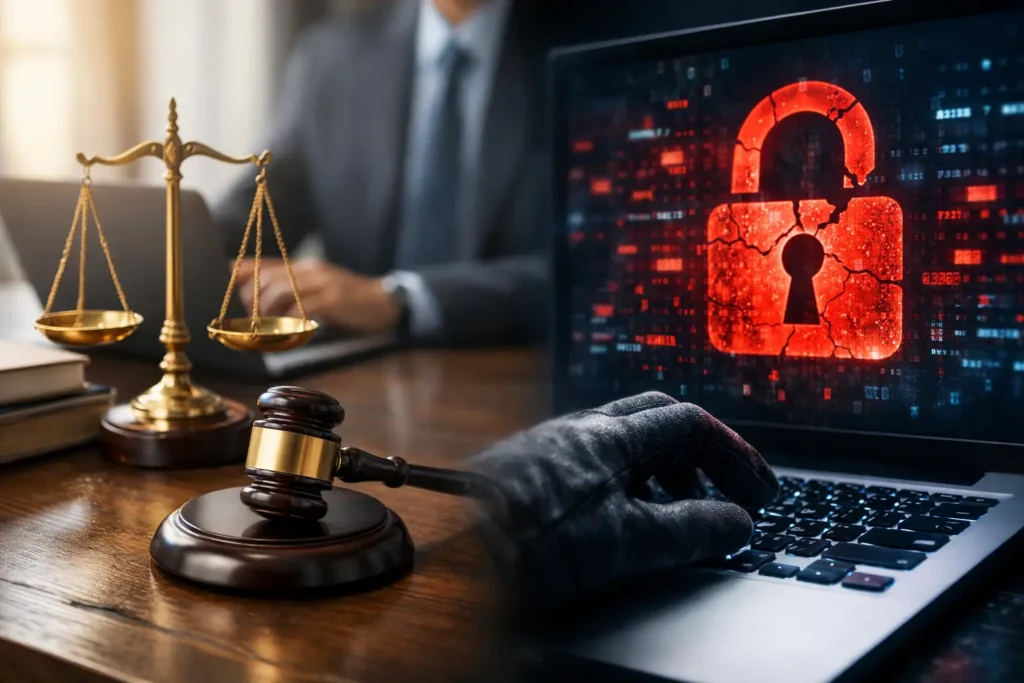
A law firm breach rarely begins with a dramatic server-room failure. More often, it starts with one convincing email, a reused password, an unpatched laptop, or a former employee account that was never closed. For a legal practice, that small gap can quickly expose privileged communications, discovery materials, financial records, and client information that cannot be replaced.
The operational cost is immediate. Attorneys and staff lose access to documents, deadlines become harder to manage, clients need answers, and the firm may face notification, ethical, contractual, or insurance obligations. Preventing a breach is not simply an IT task. It is a business continuity responsibility.
Why a Law Firm Breach Has Higher Stakes
Law firms hold information that is valuable to criminals and deeply personal to clients. Case strategy, settlement discussions, intellectual property, medical documentation, employment records, real estate transactions, and banking details can all sit in the same document system or inbox.
That makes legal practices attractive targets for ransomware groups, business email compromise schemes, and opportunistic attackers looking for credentials they can reuse elsewhere. A criminal does not always need to steal every file. Access to one attorney’s email account may be enough to impersonate the firm, redirect a wire transfer, request sensitive documents, or move laterally into other systems.
The damage also extends beyond the cost of restoring technology. A breach can interrupt billable work, delay filings, strain client relationships, and create reputational harm that lasts longer than the technical cleanup. For firms that depend on referrals and discretion, trust is part of the service being delivered.
The Most Common Paths Into a Law Firm
Phishing remains one of the most common entry points. Attackers routinely send messages that appear to come from a client, court, vendor, title company, opposing counsel, or a managing partner. They know legal teams work quickly, exchange attachments constantly, and may be under pressure to respond before a deadline.
A phishing message may ask a recipient to review a secure document, reset a password, approve a payment, or open an attachment. If the employee enters credentials into a fake sign-in page, the attacker can gain access without breaking through a firewall.
Weak password practices create another opening. A password reused across email, document platforms, remote access tools, and personal accounts turns a third-party password leak into a potential firm-wide incident. Multi-factor authentication significantly reduces this risk, but only when it is correctly configured across every important account.
Unmanaged devices are equally concerning. Attorneys may work from home, court, a client site, or while traveling. A laptop that lacks encryption, security updates, endpoint protection, or remote-management controls can become a direct path to client data. Personal phones and tablets can present similar issues when they access email and files without clear security rules.
What to Do in the First Hours After a Breach
Speed matters, but careless action can make an incident worse. If an employee suspects an account or device has been compromised, the firm should have a clear process that does not depend on guesswork.
First, contain the issue. Disconnect a suspicious computer from Wi-Fi or the network, but do not immediately erase it or attempt a full rebuild. Evidence on the device and in system logs can help determine what happened, what data was accessed, and whether other accounts are involved.
Next, contact your IT and cybersecurity provider. They should be able to review login activity, isolate affected endpoints, disable compromised accounts, reset credentials, revoke active sessions, and identify signs of lateral movement. If the incident involves email, checking forwarding rules, mailbox delegation, and recently created access permissions is essential. Attackers often leave these behind to maintain access after a password reset.
Preserve records as the response unfolds. Document when the issue was discovered, who received alerts, affected systems, actions taken, and communications with outside parties. Your legal counsel, cyber insurance carrier, and regulatory advisors may need this timeline. Do not make broad promises to clients or publicly characterize the event before the facts are known.
A reliable recovery plan also includes clean backups. If ransomware is involved, restoring data without confirming the infection has been removed can put the firm back at square one. Backups need to be protected, tested, and separated from the same environment an attacker could reach.
Prevention Means More Than Antivirus
Traditional antivirus still has a role, but it is not a complete security strategy for a modern law office. Threats now frequently rely on stolen credentials, social engineering, and legitimate cloud tools rather than obvious malicious files.
A practical security program starts with managed endpoints. Every work computer should receive timely operating-system and application patches, business-grade endpoint protection, encryption, and regular health checks. The firm should know which devices have access to client data, who uses them, and whether they meet baseline standards.
Email security deserves the same attention. Filtering tools can block many malicious messages before they reach inboxes, while domain protections help reduce impersonation. Still, filters are not perfect. Staff need brief, repeatable training on how to recognize suspicious messages and how to report them without fear of being blamed for asking a question.
Multi-factor authentication should be required for email, cloud document systems, remote access, financial platforms, and administrator accounts. It may add a few seconds to the sign-in process, but those seconds are far less disruptive than losing access to the firm’s email and files for days.
Build Access Around Roles, Not Convenience
A common weakness in smaller firms is giving broad access because it is easy. Everyone can access the same shared drive, former employees still have accounts, and an outside vendor has a password that no one remembers changing. This is convenient until the wrong account is compromised.
Use role-based access wherever possible. A receptionist, paralegal, associate, partner, bookkeeper, and outside contractor do not necessarily need the same systems or the same level of access. Limit access to what each person needs to perform their work, then review permissions when roles change.
Offboarding deserves a documented checklist. On an employee’s last day, disable email, cloud storage, remote access, mobile-device access, shared passwords, and any software subscriptions tied to that person. Recover firm-owned equipment and confirm that data has not been copied to an unmanaged personal device.
This approach requires some administration, and the right balance depends on the size and workflow of the firm. A two-person practice will not need the same access structure as a multi-office litigation firm. Both, however, need to know who can access sensitive data and why.
Monitoring Turns Suspicion Into Action
Most small firms do not have someone watching security logs around the clock. That does not mean suspicious activity stops after business hours. A compromised account can be used at 2 a.m. to create inbox rules, download files, or send fraudulent payment requests before anyone arrives at the office.
Managed monitoring can identify unusual sign-ins, repeated failed login attempts, malware activity, unexpected administrator changes, and other warning signs. A security operations approach is especially useful when the firm has multiple locations, remote workers, cloud applications, or a high volume of sensitive data.
Monitoring is not a substitute for good controls. It is the safety net that helps a team see when those controls are being tested or bypassed. The value lies in having a defined response: who receives the alert, who can authorize containment, and how quickly the issue is investigated.
Test the Recovery Plan Before You Need It
A backup is only useful if it can be restored within the time the firm can realistically tolerate. Ask practical questions: Can we restore a single client file? Can we recover an entire workstation? How long would email, document management, billing, and phone operations be unavailable? Is there a secure alternate way to work during an outage?
Periodic testing exposes the gaps that backup reports may not show. It also helps leadership make clear decisions about acceptable downtime and the level of investment needed to reduce it. There is always a trade-off between cost, convenience, and protection, but the decision should be intentional rather than discovered during an emergency.
For Las Vegas law firms that need local accountability, System Integrators of Nevada can help turn these controls into a practical, managed plan with direct support when something does not look right. The goal is not to make your staff security experts. It is to give them dependable systems, clear procedures, and one trusted partner who picks up when the stakes are high.
Client trust is built case by case, conversation by conversation, and often document by document. Protecting the technology behind that trust gives your firm more time to focus on the work clients hired you to do.