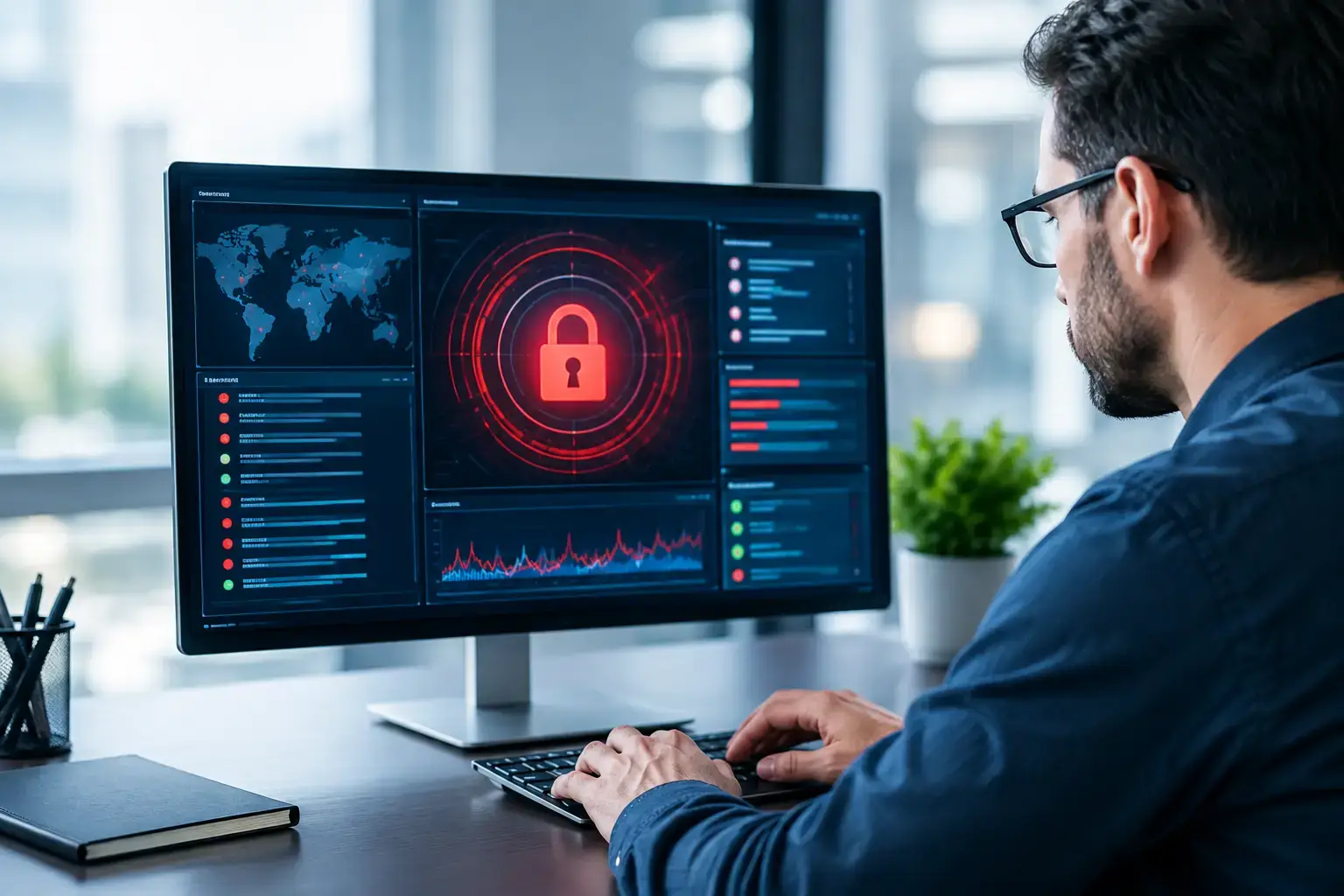
A file server does not have to display a ransom note for a ransomware incident to be underway. A compromised account may be probing shared folders, changing backup settings, or pushing unfamiliar tools across workstations hours or days earlier. So, can SIEM detect ransomware? Yes, when it is configured to collect the right activity and watched by people who know which signals require action. But a SIEM is not a standalone ransomware prevention tool, and treating it like one can create a costly false sense of security.
For small and growing businesses, the real value is earlier warning. A well-managed SIEM can connect events that look harmless on their own and reveal the pattern before encryption brings work to a stop.
How SIEM detects ransomware activity
SIEM stands for Security Information and Event Management. It gathers logs and security events from systems such as computers, servers, firewalls, Microsoft 365, identity platforms, antivirus or endpoint protection, Wi-Fi equipment, and cloud applications. It then normalizes that information and looks for suspicious combinations, unusual behavior, or known attack indicators.
Ransomware is rarely a single event. It is usually a chain: a phishing email, a stolen password, an unauthorized login, privilege escalation, lateral movement, backup interference, and finally mass file encryption. A SIEM can help identify activity at several points in that chain.
For example, a monitoring rule may flag a user account signing in from an unfamiliar country, then accessing a large number of network files after business hours. Another alert may identify a workstation that suddenly begins renaming or modifying hundreds of documents in minutes. When endpoint, firewall, and identity logs all point to the same device or account, the situation is far clearer than any one alert viewed alone.
Warning signs a SIEM can surface
The precise alerts depend on the tools in place and how your environment operates, but ransomware monitoring commonly looks for patterns such as repeated failed logins followed by a successful login, new administrator accounts, unusual remote access activity, disabled security software, changes to backup jobs, and large volumes of file changes.
It can also detect known malicious IP addresses, suspicious PowerShell commands, attempts to use common remote administration tools improperly, or communication with command-and-control infrastructure. These are not automatic proof of ransomware. An employee may legitimately access many files during a records project, for example. The SIEM’s job is to put unusual events in context so a security professional can investigate quickly.
That context matters in offices with shared drives, point-of-sale systems, warehouse devices, remote staff, and cloud-based applications. A single alert may be noise. A series of related alerts may be the first sign that someone is trying to turn a routine workday into an outage.
What a SIEM cannot do by itself
A SIEM can be highly effective at detection, but it does not automatically prevent every attack. If logs are missing, alerts are poorly tuned, or nobody is reviewing them, the system may collect evidence without protecting the business.
A SIEM also cannot replace endpoint protection, secure backups, patching, multi-factor authentication, staff awareness training, and a tested incident response process. It is one layer in a security program, not the entire program.
There is also a timing issue. Some ransomware strains encrypt files very quickly. If an attacker already has administrative access and can reach poorly segmented network shares, detection may happen while damage is in progress. Rapid alerting still helps limit the blast radius, but recovery may depend on whether clean backups and isolation procedures are ready.
This is why 24/7 monitoring is more than a marketing phrase. A high-priority alert at 2:00 a.m. needs a defined response: verify the event, isolate the affected endpoint or account, preserve evidence, stop suspicious sessions, and notify the right business contact. A dashboard alone cannot make those decisions.
Detection works best when the basics are covered
The strongest ransomware defense combines prevention, detection, and recovery. Prevention reduces the odds of an attacker getting in. Detection shortens the time they can move around unnoticed. Recovery keeps an incident from becoming a business-ending event.
For a practical small-business security stack, that typically means managed endpoint protection on every computer, prompt security updates, multi-factor authentication for email and remote access, protected administrative accounts, secure network configuration, and backups that are separated from normal daily access. Backup copies should be tested regularly, not simply assumed to work because a job reports success.
A SIEM adds visibility across those controls. It can show when a user clicks through a suspicious login page and then signs in from a new location. It can reveal a server generating abnormal authentication requests. It can highlight when an endpoint protection agent stops reporting. The more complete and reliable the underlying data, the better the detection.
Tune monitoring to your actual business
Generic alert rules are a starting point, not a finished security program. A law office may need close monitoring of document management access and email forwarding rules. A retail operation may need stronger attention on point-of-sale endpoints, remote vendor access, and after-hours account activity. A multi-site business may need to distinguish normal activity between locations from an unauthorized connection.
The goal is not to generate the maximum number of alerts. It is to identify the alerts that matter to your operations and establish a response path before an incident occurs. Too many low-value notifications train people to ignore the system. Too few leave dangerous gaps.
Good monitoring also requires an accurate inventory. If no one knows which computers, users, servers, network devices, and cloud services are active, important systems may never send logs to the SIEM. Regular health checks and endpoint management make security visibility far more dependable.
What happens after a ransomware alert
Speed and discipline matter more than panic. When a credible ransomware alert appears, the first priority is usually containment. The affected computer may need to be removed from the network, a user session revoked, or a compromised password reset. The response should avoid casually rebooting or wiping systems before the cause and scope are understood, unless immediate containment requires it.
Next comes investigation. Is the behavior limited to one device? Has the same account accessed other systems? Were shared folders touched? Did backup settings change? Are there signs of data leaving the organization? These questions determine whether the event is a blocked attempt, a contained infection, or a broader incident requiring recovery steps.
Clear communication protects operations. Employees need to know whether they should disconnect devices, avoid opening certain emails, or change passwords. Leadership needs a practical view of business impact, what is known, and what happens next. For organizations with compliance obligations or sensitive client data, documentation of actions and timelines is also essential.
Is SIEM monitoring worth it for a small business?
It depends on what downtime would cost and how much sensitive information your systems hold. A business that relies on shared files, email, payment systems, customer records, or remote access can lose far more from one extended outage than from ongoing monitoring. The impact is not limited to ransom demands. It includes missed revenue, idle employees, recovery labor, damaged client trust, and possible notification obligations.
That said, not every organization needs the same level of SIEM coverage on day one. A small office may begin with monitored endpoints, email, firewall, identity, and backup alerts, then expand coverage as it adds staff, locations, or compliance requirements. What matters is that monitoring is paired with a real response plan and someone accountable for acting on serious findings.
For Las Vegas businesses without an internal security team, a managed SOC/SIEM service can provide that coverage without hiring a full-time analyst. System Integrators of Nevada pairs security monitoring with local IT support, so the team reviewing a threat also understands the network, devices, and business workflows involved.
Ransomware defenses should be judged by one practical question: when something suspicious happens, how quickly can your business contain it and keep working? A SIEM helps answer that question before a locked screen, a halted payment terminal, or an inaccessible shared drive forces the issue.