
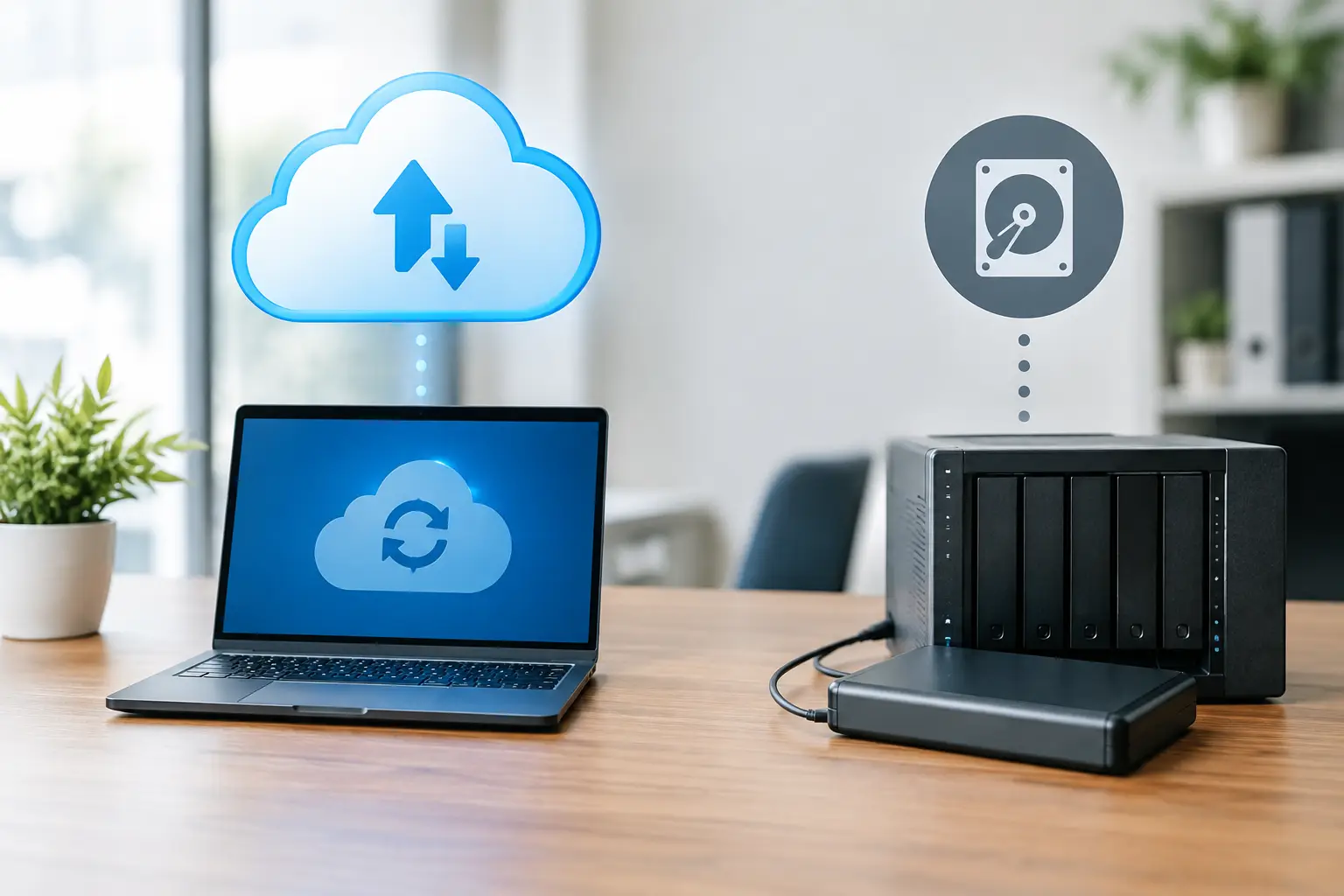
A server can fail at 10 a.m. A ransomware attack can lock every shared file before lunch. A fire, flood, or theft can take the hardware and the backup drive sitting beside it. For a business owner, the cloud backup versus local backup decision is not really about where files live. It is about how quickly your team can keep serving clients when something goes wrong.
The wrong answer is usually choosing only one. Local and cloud backups solve different recovery problems, and a sound business continuity plan uses each where it performs best. The goal is simple: protect your data, restore operations within an acceptable timeframe, and avoid unpleasant surprises during an incident.
Cloud backup versus local backup: the core difference
A local backup stores a copy of data on equipment you control at or near your office. This may be a network-attached storage device, a dedicated backup server, an encrypted external drive, or a storage appliance. Because the backup is close to your systems, it can usually be restored quickly over your local network.
Cloud backup sends encrypted data to an off-site data center through an internet connection. Depending on the service and configuration, it may protect servers, workstations, Microsoft 365 or Google Workspace data, line-of-business applications, and mobile devices. Its greatest advantage is separation. If an event damages or compromises the office, the backup copy is somewhere else.
Neither option automatically means your data is protected. A backup that is not monitored, cannot be restored, or misses critical applications is not a recovery plan. It is only stored data.
Why local backups still matter
When a single server fails and the office itself is otherwise functional, local recovery is often the fastest path back to work. Moving large volumes of data across a local network is dramatically faster than downloading them from the internet. For a Las Vegas office that depends on shared documents, accounting software, point-of-sale data, or a file server, that speed can mean the difference between a short interruption and a lost business day.
Local backups also provide more control over recovery hardware and storage capacity. Businesses with large design files, surveillance footage, databases, or warehouse systems may find cloud-only backup impractical for rapid full restores. Internet speed matters, but so does the amount of data that must return before the business can operate normally.
There are limits. A backup appliance in the same building can be lost in the same fire, water event, power surge, or theft that affects the primary equipment. It may also be exposed to ransomware if it is continuously connected and poorly protected. Local storage needs encryption, access controls, retention settings, update management, and regular testing just like any other business system.
Where cloud backup provides protection local storage cannot
Cloud backup is designed for the incident that affects more than one computer. It protects against site-wide loss by keeping a copy outside the office. That matters when a building is inaccessible, a network room is damaged, or an attacker gains control of on-site systems.
It also supports recovery from previous points in time. This is especially valuable for ransomware, accidental deletion, and silent data corruption. If a bad file change or malicious encryption is copied into today’s backup, older restore points can provide a clean version from before the event. The number of available restore points and how long they are retained should be intentionally selected, not left to a default setting.
Cloud backup can simplify protection for remote and hybrid employees, too. A laptop used at home may never connect to the office network long enough for a local backup job to run. Endpoint-based cloud backup can protect that device wherever it is used, provided the device is managed and the backup status is monitored.
The trade-off is recovery speed. Restoring a few files may be quick. Restoring terabytes of server data over an internet connection can take much longer, even with a fast plan. Cloud backup costs also depend on storage volume, retention requirements, protected devices, and the provider’s recovery process. Decision-makers should ask what a full recovery looks like, not just what monthly storage costs.
The strongest approach is layered backup
For most small and medium-sized businesses, the practical answer is a layered strategy often called the 3-2-1 rule. Maintain at least three copies of important data, on two different types of storage, with one copy kept off-site. A modern variation adds another requirement: make one backup copy immutable or otherwise protected from deletion and alteration.
That approach might include a primary server or cloud application, a local backup appliance for fast restores, and an encrypted off-site backup for disaster recovery. The exact technology varies, but the purpose stays consistent. A local copy helps restore quickly after routine hardware or file problems. An off-site copy gives the business a way forward after a larger event.
For organizations with especially sensitive records, such as law firms, healthcare-adjacent offices, financial services, and retailers, backup design should also address compliance and privacy obligations. Encryption in transit and at rest is necessary, but it is only part of the picture. You also need documented retention periods, controlled access, auditability, and a clear process for responding to an incident.
Choose based on recovery objectives, not storage preferences
Before selecting a backup product or plan, define two business measures: recovery time objective and recovery point objective. Recovery time objective, or RTO, is how long a system can be unavailable before the disruption becomes unacceptable. Recovery point objective, or RPO, is how much recent data the business can afford to lose.
A retail location may need point-of-sale systems restored within hours and cannot afford to lose a day of transactions. A professional office may be able to work around a file server for a short period but cannot lose client documents created since the prior evening. A warehouse may need access to inventory and shipping systems before the next dispatch window. These are operational requirements, not IT jargon.
Use those requirements to determine what receives the most protection. Not every file and device needs the same recovery target. Payroll records, client files, financial data, active project folders, application databases, and configuration settings are commonly high priorities. Old downloads and replaceable workstation files may not require the same level of retention or restoration speed.
A useful backup plan should answer four questions clearly:
- What data, systems, and cloud services are included?
- How often are backups created, and how long are versions retained?
- How long would it take to restore a file, a workstation, or an entire server?
- Who verifies backups, tests restores, and responds when a job fails?
If the answer to the last question is “no one,” the business has a gap regardless of where the backups are stored.
Common gaps that create false confidence
Many businesses assume their cloud software provider is backing up everything. Microsoft 365, Google Workspace, and similar platforms have valuable availability and retention features, but those do not necessarily meet your company’s requirements for long-term retention, granular restoration, or protection from accidental and malicious deletion. Verify the limits rather than relying on assumptions.
Another common issue is backing up data but not the systems needed to use it. A copy of a database is helpful only if the application, configuration, credentials, and compatible recovery environment are available. Documenting critical systems and recovery steps reduces pressure when every minute matters.
Finally, backups must be tested. A successful backup notification confirms that data was copied. It does not prove the data is complete, clean, or recoverable within your target timeframe. Periodic restore testing should include individual files as well as the systems that would matter during a major outage.
Build a plan your team can actually use
The best backup strategy is one your business can manage consistently. It should fit your data volume, internet connection, budget, security requirements, and tolerance for downtime. It should also have a named owner, documented escalation steps, and a process for reviewing changes as new employees, applications, and locations are added.
System Integrators of Nevada helps businesses turn backup from a device purchase into an operational recovery plan, with monitoring, security controls, and practical restore testing. The real test is not whether a backup exists. It is whether your people can return to productive work when the unexpected happens. Start by identifying the one system your business cannot afford to lose, then make sure its recovery plan has been tested before you need it.