A Monday morning ransomware attack rarely starts with a dramatic warning. It starts when an employee cannot open a client file, a point-of-sale system stops responding, or a shared drive suddenly displays a payment note. Can a firewall stop ransomware? It can stop some of the traffic attackers use, but relying on a firewall alone leaves too many paths into a small business.
For a Las Vegas office, retail operation, law firm, warehouse, or home office, the real question is not whether to buy a firewall. It is whether the business has enough layers in place to keep one bad click, stolen password, or unpatched device from becoming days of downtime.
Can a Firewall Stop Ransomware?
A properly configured business firewall is an essential security control. It sits at the edge of the network and applies rules to traffic moving in and out. Depending on its capabilities and configuration, it can block known malicious websites, restrict risky connections, prevent unauthorized remote access, and identify suspicious activity crossing the network boundary.
Modern next-generation firewalls can also inspect applications, filter web traffic, use threat-intelligence feeds, and detect certain command-and-control communications. That matters because ransomware often needs to contact attacker-controlled infrastructure before or after it starts encrypting files. Blocking that connection may prevent an infection from advancing or limit the damage.
But a firewall does not see or stop everything. If an employee receives a convincing phishing email and enters Microsoft 365 credentials on a fake sign-in page, the firewall may have little opportunity to intervene. If an attacker logs in using those valid credentials from a permitted cloud service, the traffic can look legitimate. If ransomware arrives through a compromised vendor account, infected USB device, unpatched laptop, or remote worker’s home network, a perimeter firewall alone is not enough.
The answer, then, is yes with a major limitation: a firewall can reduce ransomware risk, but it cannot be the complete ransomware defense.
What a Firewall Is Good At
A firewall earns its place in a security program by reducing exposure before an attacker reaches a workstation or server. It can close unnecessary ports, limit who can use remote desktop access, separate guest Wi-Fi from business systems, and block outbound connections to known harmful destinations.
This is especially valuable for businesses with payment systems, file servers, cameras, mobile devices, multiple locations, or remote workers. A flat network, where every device can freely communicate with every other device, makes an attacker’s job easier. Network segmentation helps contain a problem. For example, a compromised guest device should not be able to reach accounting records, point-of-sale terminals, or backup storage.
Firewall protection depends heavily on configuration. A device installed with broad “allow” rules, outdated firmware, and no active monitoring is not providing the protection the business believes it is buying. The same is true when remote access has been opened for convenience and never reviewed. Security requires deliberate rules, regular updates, and someone accountable for responding to alerts.
Where Firewalls Miss the Ransomware Attack
Most ransomware groups do not wait for an open port to find them. They use people, passwords, and overlooked systems.
Phishing remains one of the most common entry points. A fake invoice, voicemail notification, document-sharing request, or password-reset message can persuade a busy employee to open a file or sign in to a fraudulent page. The email may arrive through a legitimate service, and the employee’s device may connect to a website that has not yet been identified as malicious. A firewall can help with web filtering, but it cannot reliably judge every human decision.
Stolen credentials create a similar challenge. When attackers use a real employee login, their activity can blend in with normal business operations. Without multi-factor authentication, unusual-login monitoring, and controls that limit access based on role, a single compromised password can provide entry to email, cloud files, and internal systems.
Unpatched software is another gap. Firewalls cannot fix a vulnerability inside an old operating system, browser, remote-access tool, or line-of-business application. Attackers routinely scan for known weaknesses because many organizations delay updates out of concern that an application might break. That concern is valid, particularly for specialized software, but it needs a managed testing and patching plan rather than indefinite postponement.
Finally, ransomware increasingly targets backups. If backups are always connected to the same network and protected with the same administrator credentials, attackers may encrypt or delete them before issuing a ransom demand. A firewall cannot substitute for protected, separate, and regularly tested backups.
The Layers That Actually Reduce Downtime
Effective ransomware protection works as a coordinated set of controls. The firewall is one layer, not the whole plan.
Email filtering and security awareness training help reduce the number of malicious messages that reach employees. Training should be practical, not a once-a-year compliance exercise. Employees need to know how to spot unexpected payment changes, fake login prompts, urgent attachment requests, and messages that pressure them to bypass normal procedures.
Multi-factor authentication should protect email, cloud services, remote access, and administrative accounts. It is one of the highest-value improvements a small business can make because a stolen password alone is no longer enough to sign in. Authentication methods and recovery procedures still need to be managed carefully, since attackers may try to exploit helpdesk processes or approval fatigue.
Managed endpoint protection and endpoint detection and response provide visibility on the computers where ransomware executes. These tools can identify suspicious behavior such as rapid file encryption, credential dumping, malicious scripts, or attempts to disable security software. Unlike a firewall, endpoint tools can act directly on the affected machine by isolating it from the network while an investigation begins.
Patch management closes known weaknesses across workstations, servers, firewalls, and supported applications. It should include an inventory of devices, documented exceptions, and a process for addressing high-risk updates quickly. A business cannot protect equipment it does not know it owns.
Reliable backups turn a ransomware event from a possible business-ending outage into a recovery exercise. Keep backup copies separated from normal daily access, protect them with separate credentials, and test restoration on a schedule. A backup that has never been restored is an assumption, not a recovery plan.
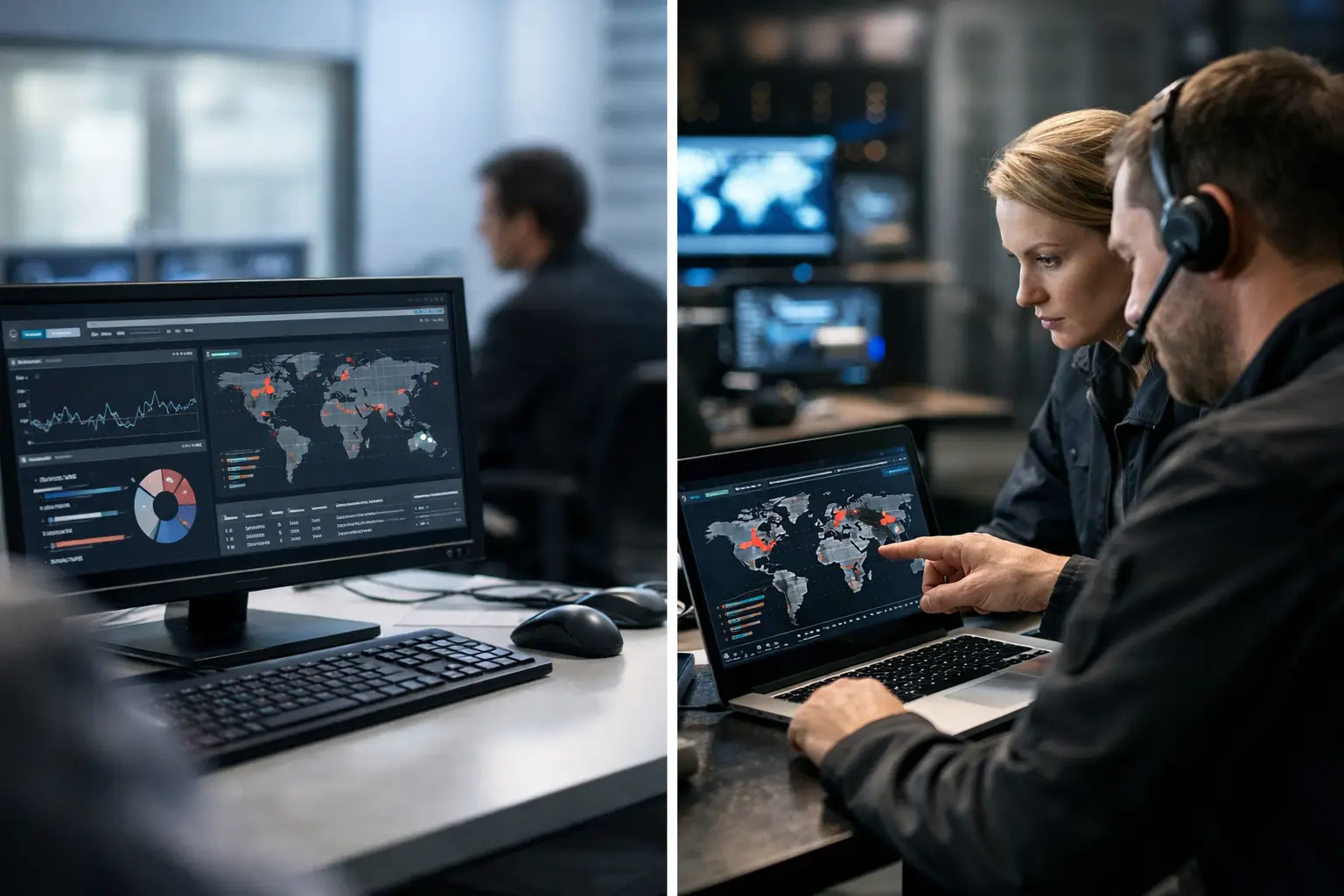
Round-the-clock monitoring adds another layer: time. Ransomware can move quickly, but attackers often leave clues before encryption begins. Unusual logins, large data transfers, repeated failed sign-ins, new administrator accounts, and unexpected remote-access activity deserve prompt investigation. For businesses without an internal IT team, monitored security operations can provide the attention these signals require.
Configuration Matters More Than the Box
There is no single firewall setting that makes a company ransomware-proof. In fact, overly aggressive blocking can interrupt business applications, vendor support connections, video systems, cloud tools, or remote work. The goal is not to block everything. The goal is to allow only the traffic the business needs and verify that exceptions are intentional.
That means reviewing remote-access rules, removing unused accounts, separating networks by purpose, updating firewall firmware, and logging meaningful security events. It also means understanding encrypted traffic. Much of today’s web traffic is encrypted, which protects privacy but can limit inspection unless the environment is designed to handle it appropriately. Inspection can improve detection, yet it must be planned so it does not interfere with sensitive applications or create avoidable privacy and performance issues.
Cloud services and remote employees also change the traditional firewall model. When staff work from home, access files through cloud platforms, or use mobile devices, protection must follow the user and device. Identity security, endpoint management, secure Wi-Fi, and conditional access become just as relevant as the office firewall.
If You Suspect Ransomware, Act Before Investigating
If files begin changing extensions, systems display a ransom note, or an employee reports suspicious encryption activity, speed matters. Do not wait to determine the full cause before containing the problem.
- Disconnect the affected computer from Wi-Fi and wired network access, but do not immediately erase or restart it unless directed by an incident-response professional.
- Contact your IT provider or security team and identify other systems showing the same symptoms.
- Preserve the ransom note, suspicious emails, and relevant timestamps for investigation.
- Verify backup status and begin a documented recovery process only after the environment has been assessed for ongoing attacker access.
Avoid paying for a quick answer before understanding the scope. Payment does not guarantee a usable decryption key, complete data recovery, or that stolen information will not be released. Legal, insurance, notification, and operational decisions may also be involved.
A firewall should be part of every business network, but it is most effective when backed by managed endpoints, secure identity controls, tested backups, and people who can respond when something looks wrong. System Integrators of Nevada helps local businesses build that kind of practical, security-first coverage without requiring an in-house IT department.
The best next step is simple: ask when your firewall rules, backup restores, user access, and incident procedures were last tested. If the answer is uncertain, that is the right place to start before a normal workday becomes an emergency.